Type Artwork
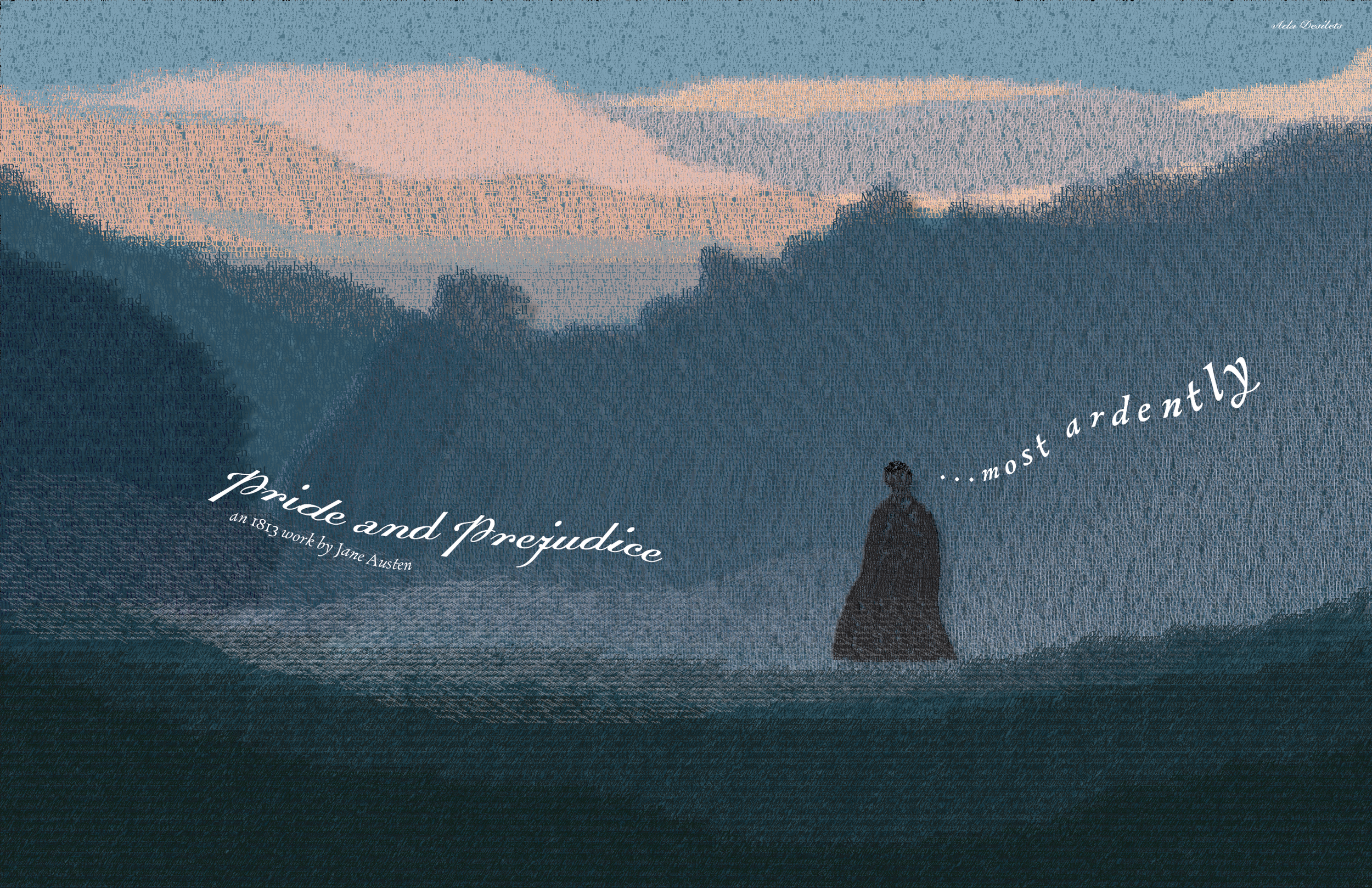
Final work
STCC // GAT-125 - Assignment 2
The goal of this project was to create a graphic using only textual elements.
This work is based on one of the final scenes of the 2005 film “Pride and Prejudice,” starring Keira Knightley and Matthew Macfadyen.
I used the “type on a path” tool in Adobe InDesign to create the “Pride and Prejudice … an 1813 work by Jane Austen” and “…most ardently” text. I also modified some of the individual letterforms to fit the romantic/dramatic style better.
For the shapes filled with text, I used the pencil tool to draw the outlines of the hills and trees, and I used each shape as a text box, filling it with repeated quotes from the book. The repeated text within the shapes ended up creating some fun dimension within the work, due to the same words lining up on different lines.
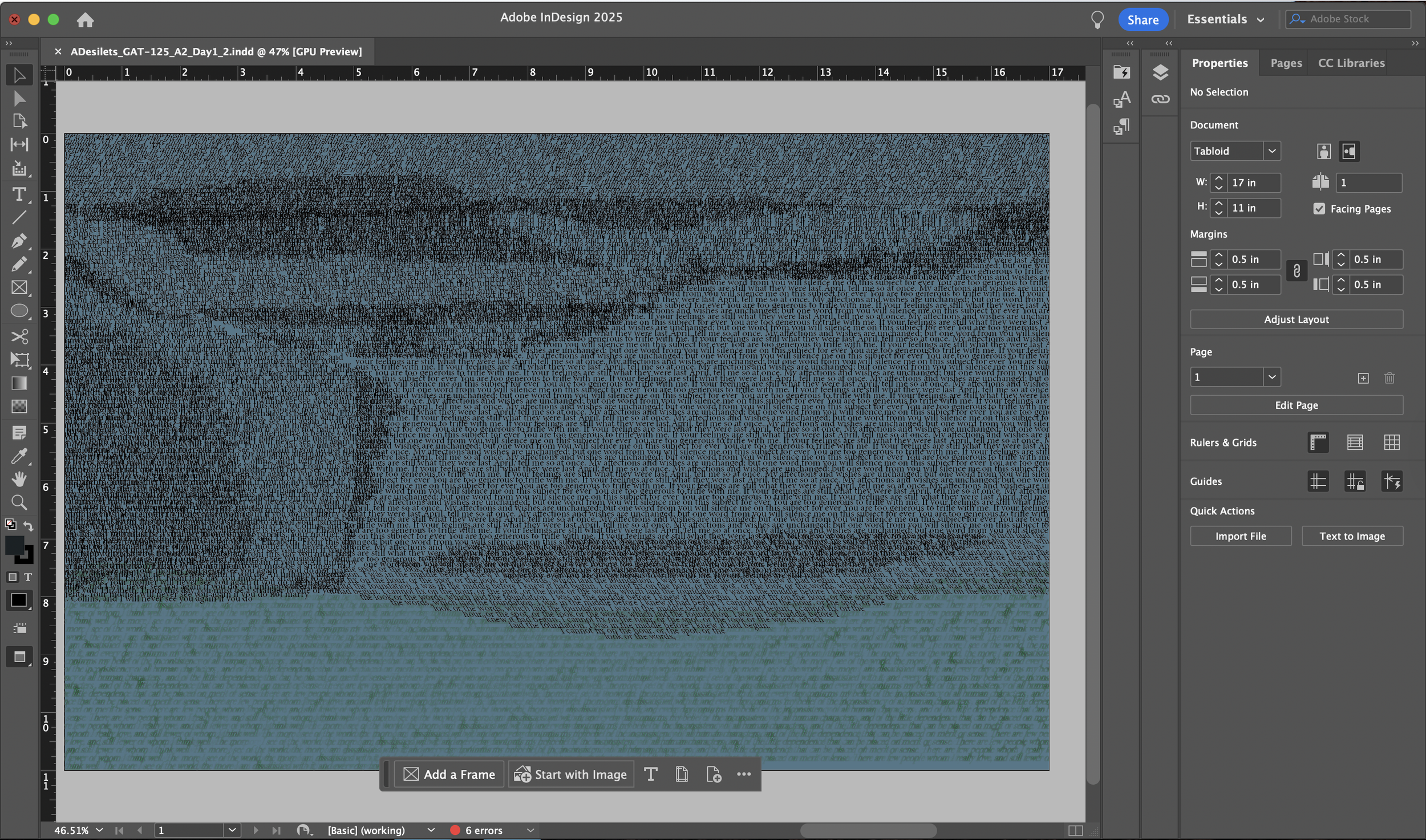
Here’s an in-progress screenshot! During this phase, I spent a while trying to figure out how I was going to get the colors to look the way that I wanted them to. I ended up duplicating the shapes, then changing the text, and then misaligning many of the text boxes so the letters would fill in the empty spaces.
